Multi-tenancy
Every deployment of Filament Management can host multiple independent workspaces at once. Each workspace (internally called a tenant) is fully isolated from every other one.
What's isolated per tenant
Almost everything:
- Vendors, filaments, spools, storage locations and slots, e-ink displays, weight history
- Home Assistant shortcuts and integration settings
- Label printer (CUPS), OpenEPaperLink, and Home Assistant configuration
- Session timeout and other per-workspace settings
- Users
A handful of things are intentionally global, shared across the whole deployment rather than per tenant:
- Error reporting (Sentry) — configured once for the whole instance via environment variables, not per tenant. No platform-superadmin role exists, so letting any tenant admin redirect the whole deployment's error reporting to their own endpoint would be a cross-tenant data exfiltration path (error payloads can carry other tenants' data).
- The registration toggle — whether self-service sign-up is available at all is a deployment-wide decision.
- Usernames — unique across the entire deployment, not per tenant. This is deliberate: it keeps username lookups (like the login flow's SSO-vs-password decision) simple and unambiguous without needing a tenant hint first.
Tenant identity and login URLs
Each tenant is identified externally by an opaque UID, never by its internal numeric ID. Your workspace's UID and a ready-to-share login link are both on the Settings page:
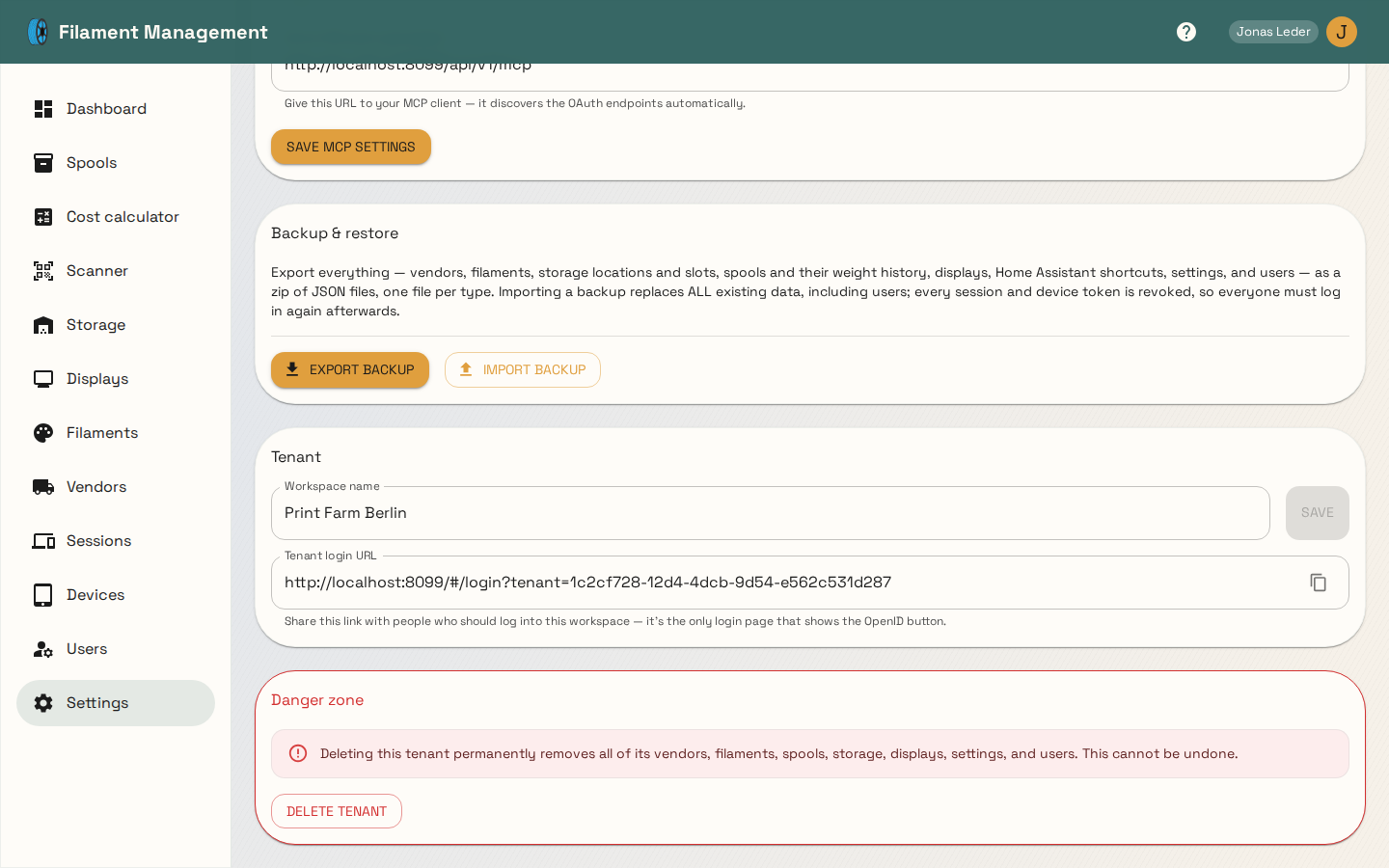
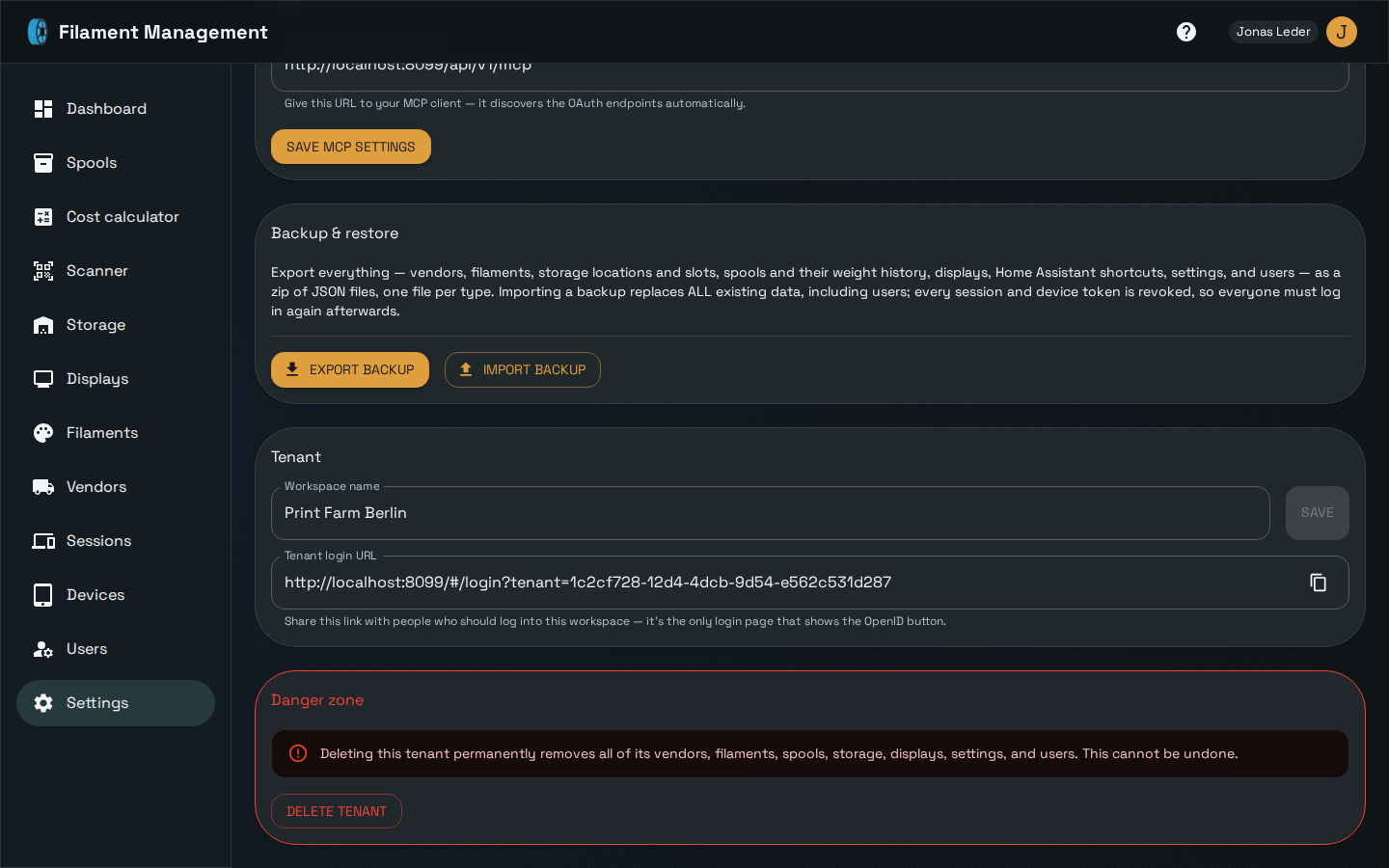
The tenant login URL (/login?tenant=<uid>) is the only login page that shows an SSO button for
that workspace — see Logging in for why the plain /login
page never does.
Renaming and deleting a workspace
Admins can rename their workspace at any time from the Tenant card above.
Deleting a workspace is admin-only, self-service (there's no way for anyone to delete a different tenant — no ID is ever accepted from the client, only "the caller's own tenant"), and requires typing the exact workspace name to confirm. It permanently removes every vendor, filament, spool, storage location, display, setting, and user belonging to that tenant, and cannot be undone.
Security model
The guiding principle behind the tenant-isolation implementation is fail closed: a missed tenant filter anywhere in the backend must produce a 403 or 404, never a cross-tenant data leak. Every authenticated request resolves a tenant ID from the session before touching the database, and every query is expected to filter on it explicitly — including join-heavy aggregate queries (like the dashboard's stats), which are exactly the place a missing filter would silently leak numbers from another tenant rather than erroring visibly.