Cost calculator
Estimate the total cost of a print — material, electricity, and a flat handling fee — across one or more filaments in a single calculation.
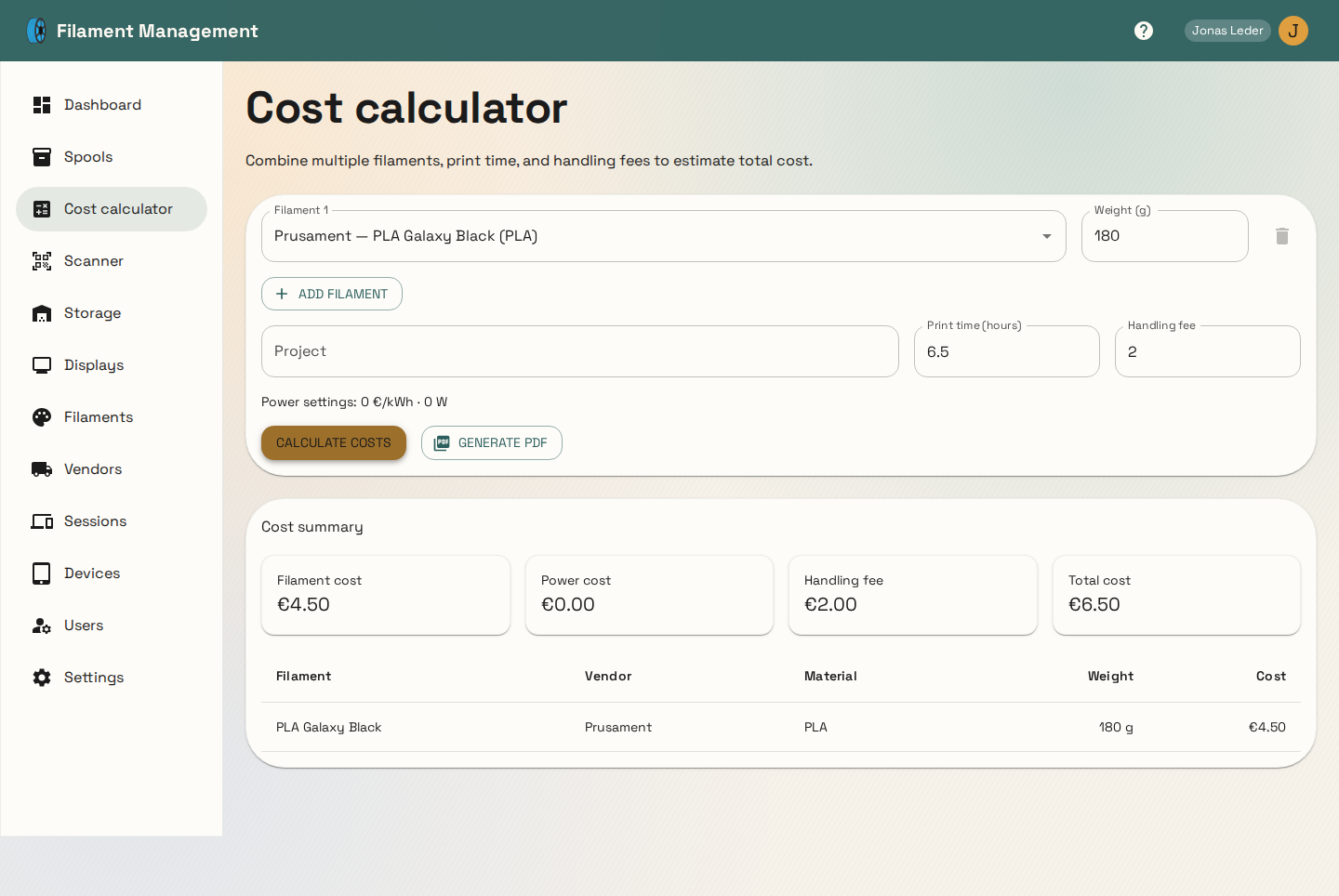
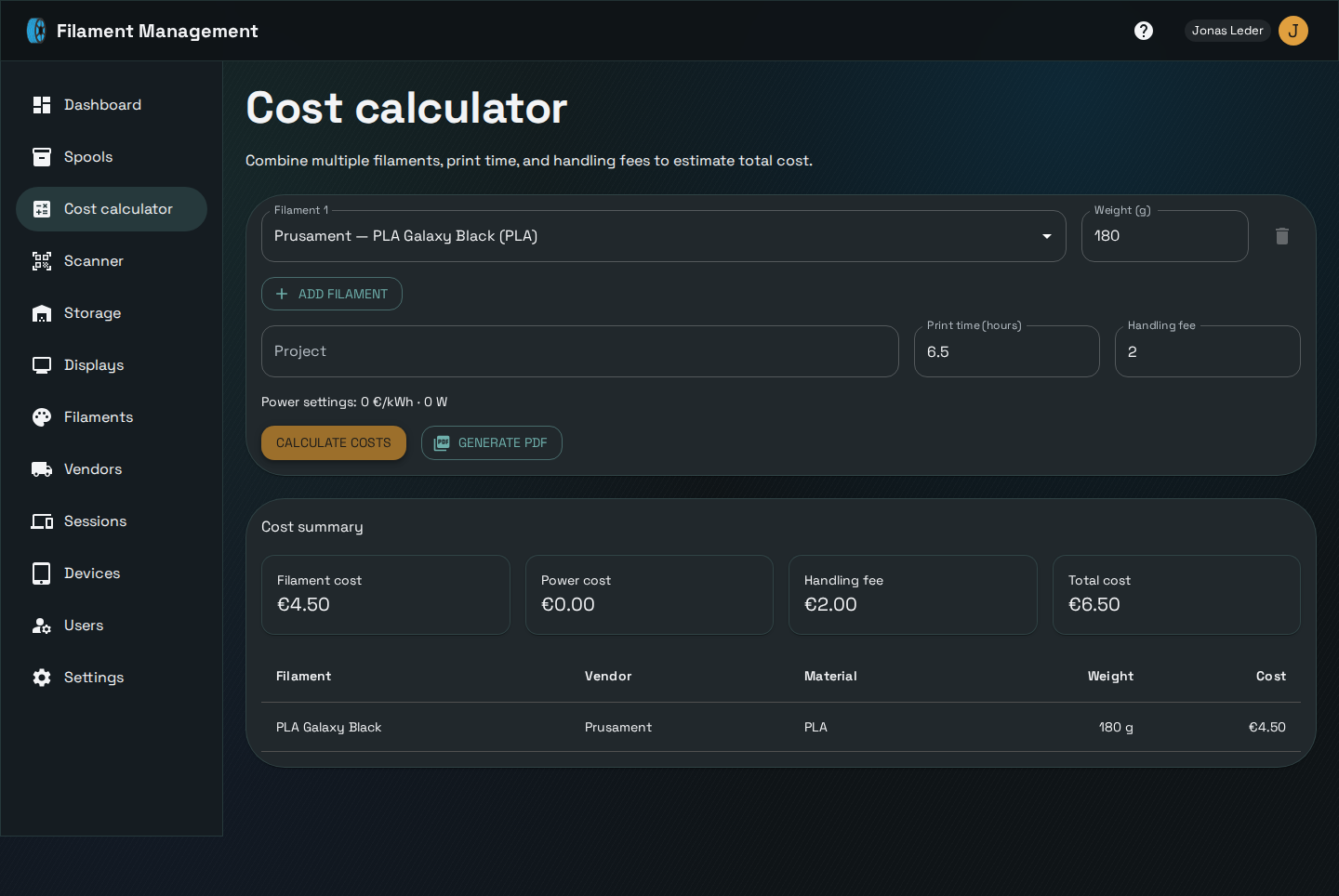
For each filament used, enter the weight consumed; the calculator looks up that filament's configured cost per gram automatically. Add print time and your configured power price/wattage (set once in Settings) to include electricity cost, and an optional flat handling fee for the whole print. The result breaks down filament cost, power cost, handling fee, and total, plus a per-filament line-item table — and can be exported straight to a PDF quote via Generate PDF.
Sharing a calculation as a link
Instead of sending a PDF, you can send a link. Click Share link and the calculator stores the current result and gives you a URL to copy. Whoever opens it sees a read-only view of the calculation — project name, totals, and the per-filament breakdown — without needing an account.
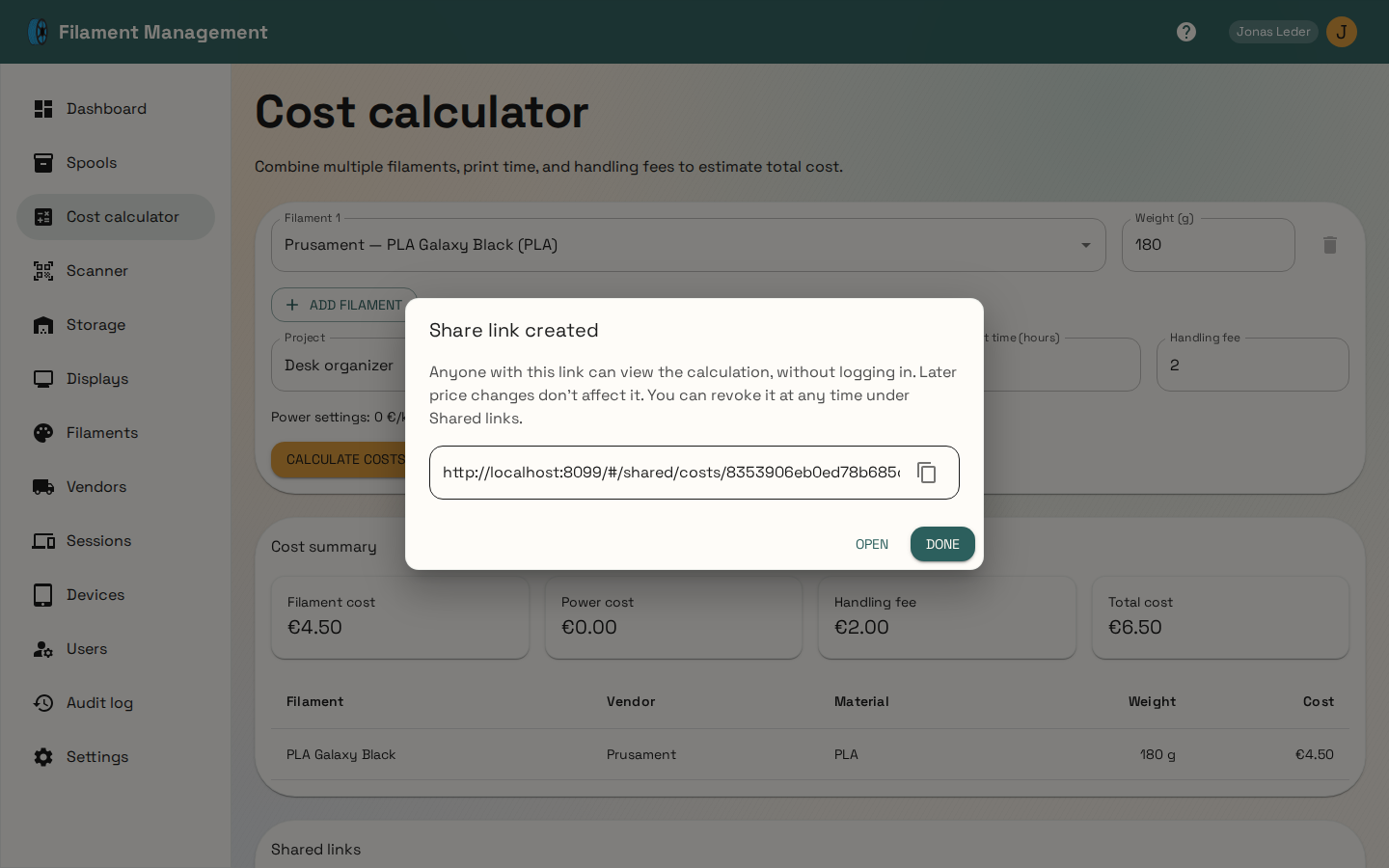
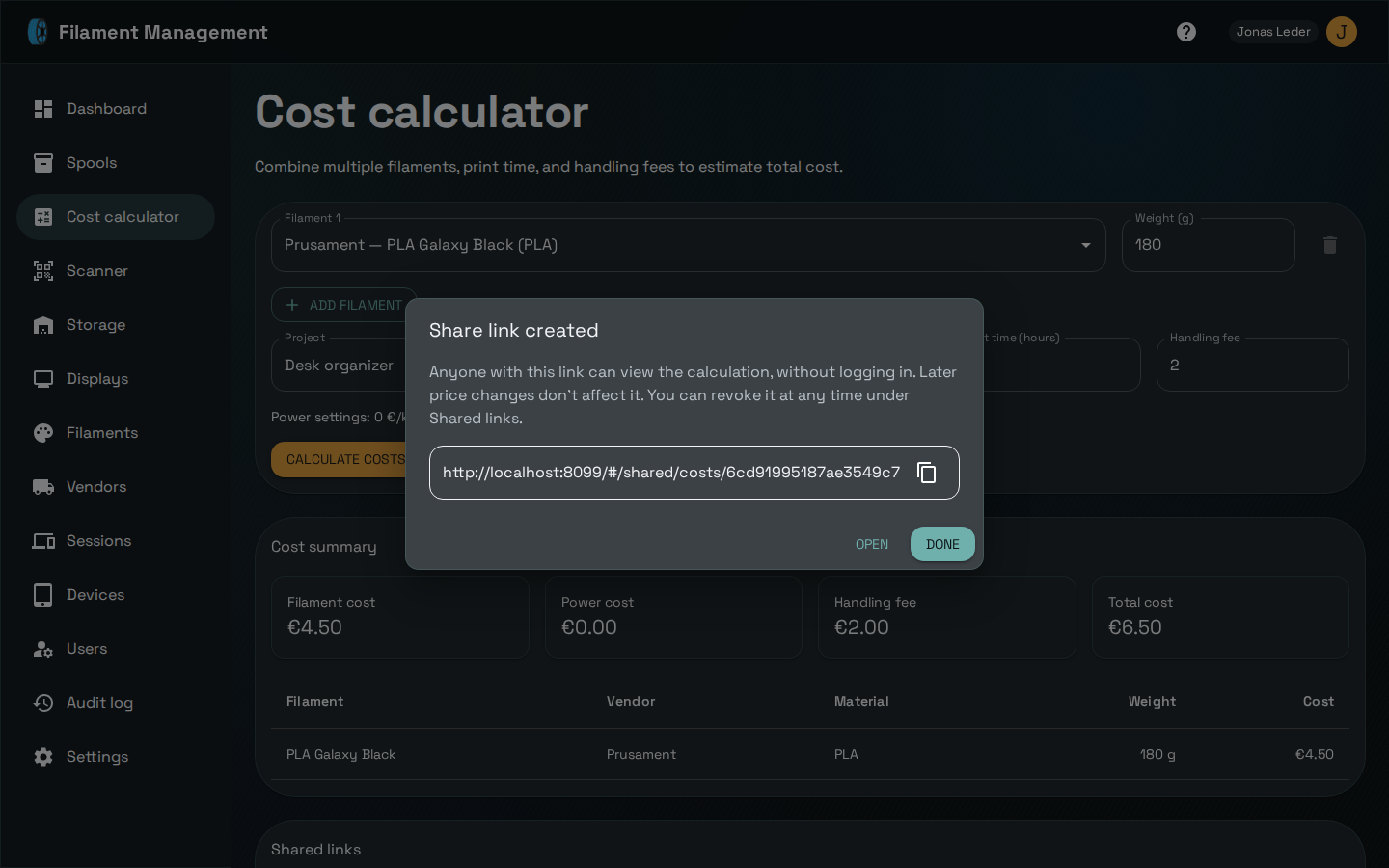
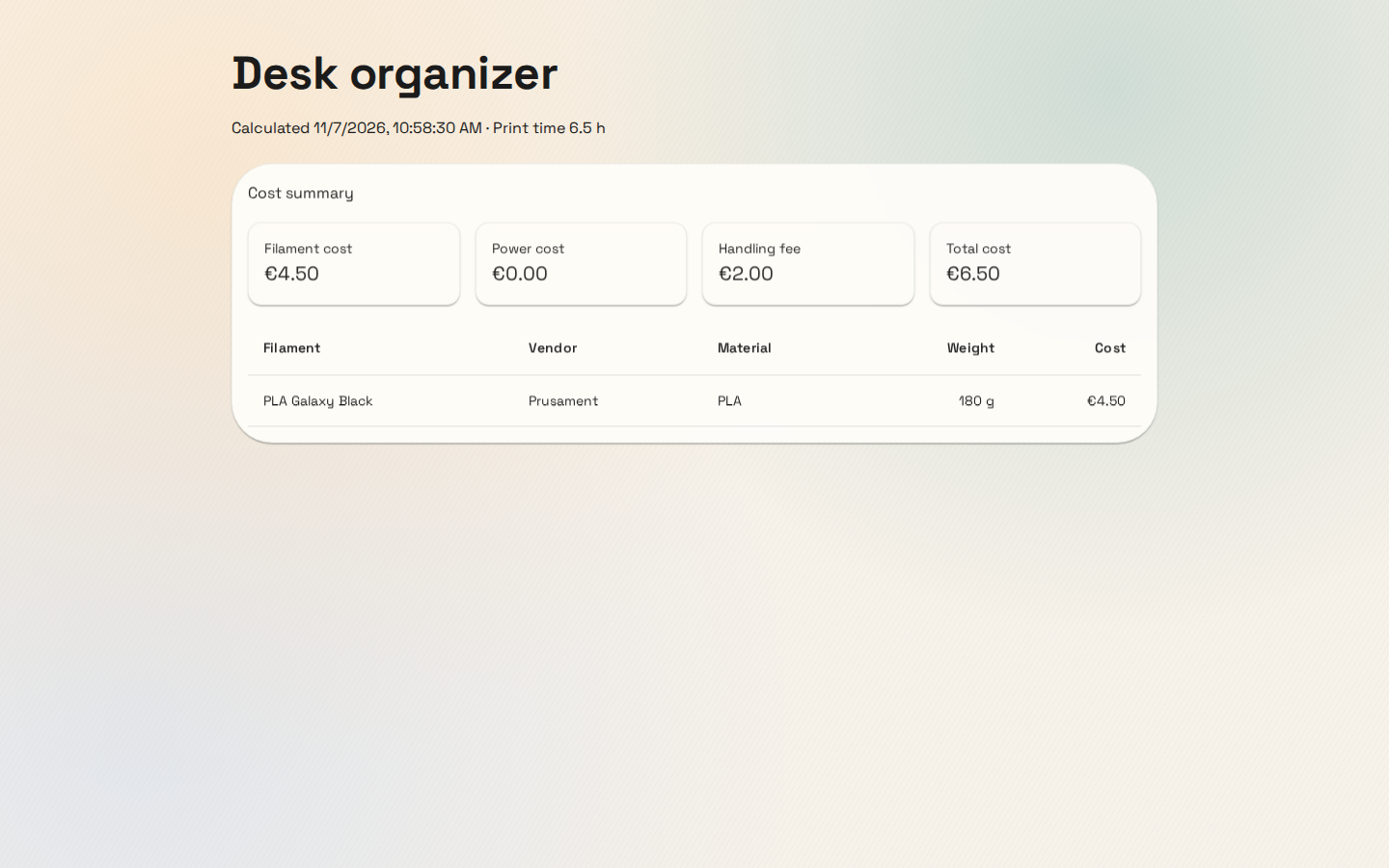
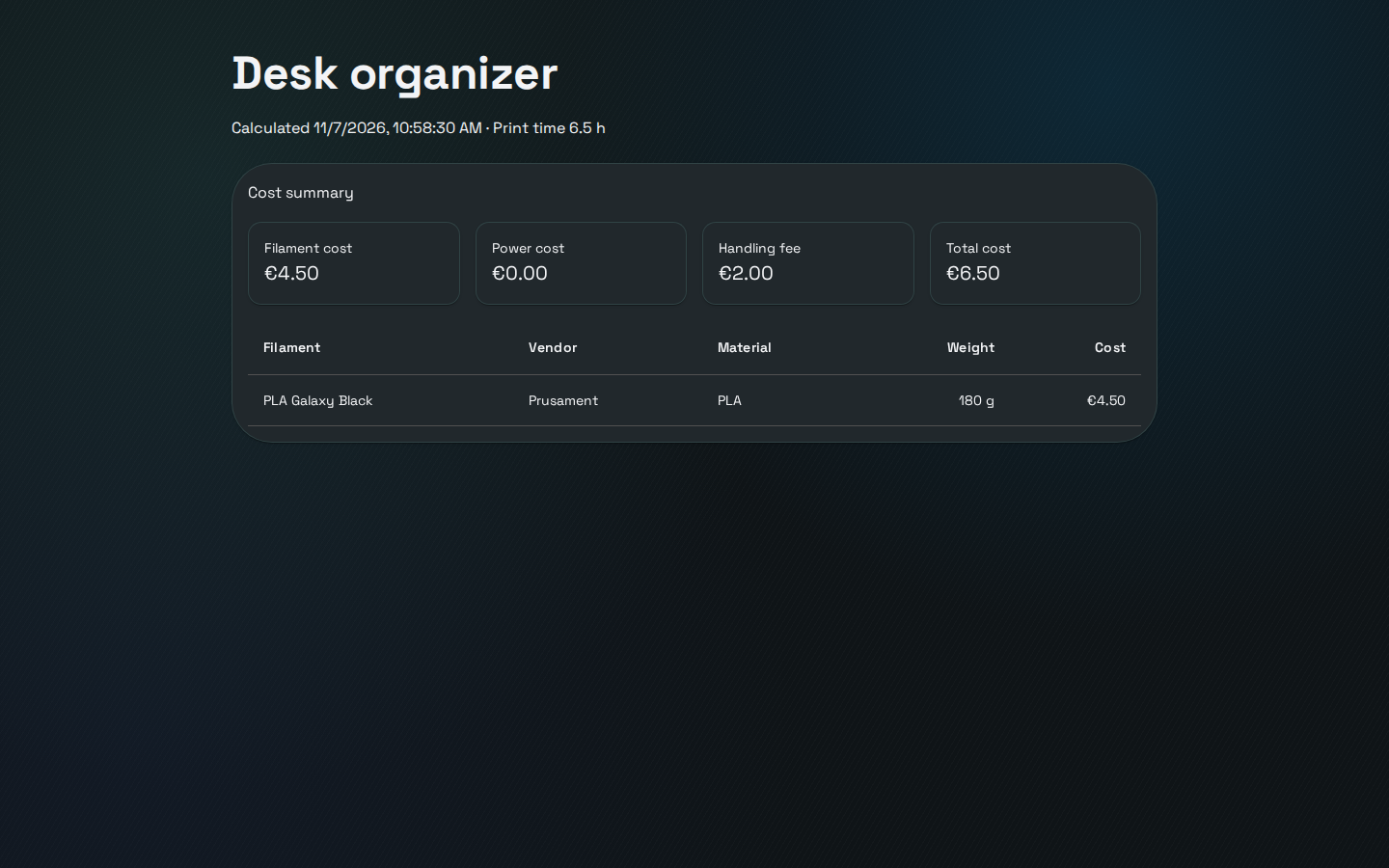
The link shows the calculation as it was when you shared it: changing a filament's price or your power settings later doesn't change what the recipient sees. Calculate and share again to send updated numbers.
Every link you've created is listed under Shared links below the calculator, with the project, total, and who created it. Use the copy button to grab a link again, or the revoke button to make it stop working for everyone it was sent to. Creating and revoking links shows up in the audit log.
If you've connected an assistant through the MCP server in read-and-write mode, it can create these links too — ask it to price a print and share the result.