Devices & the local network bridge
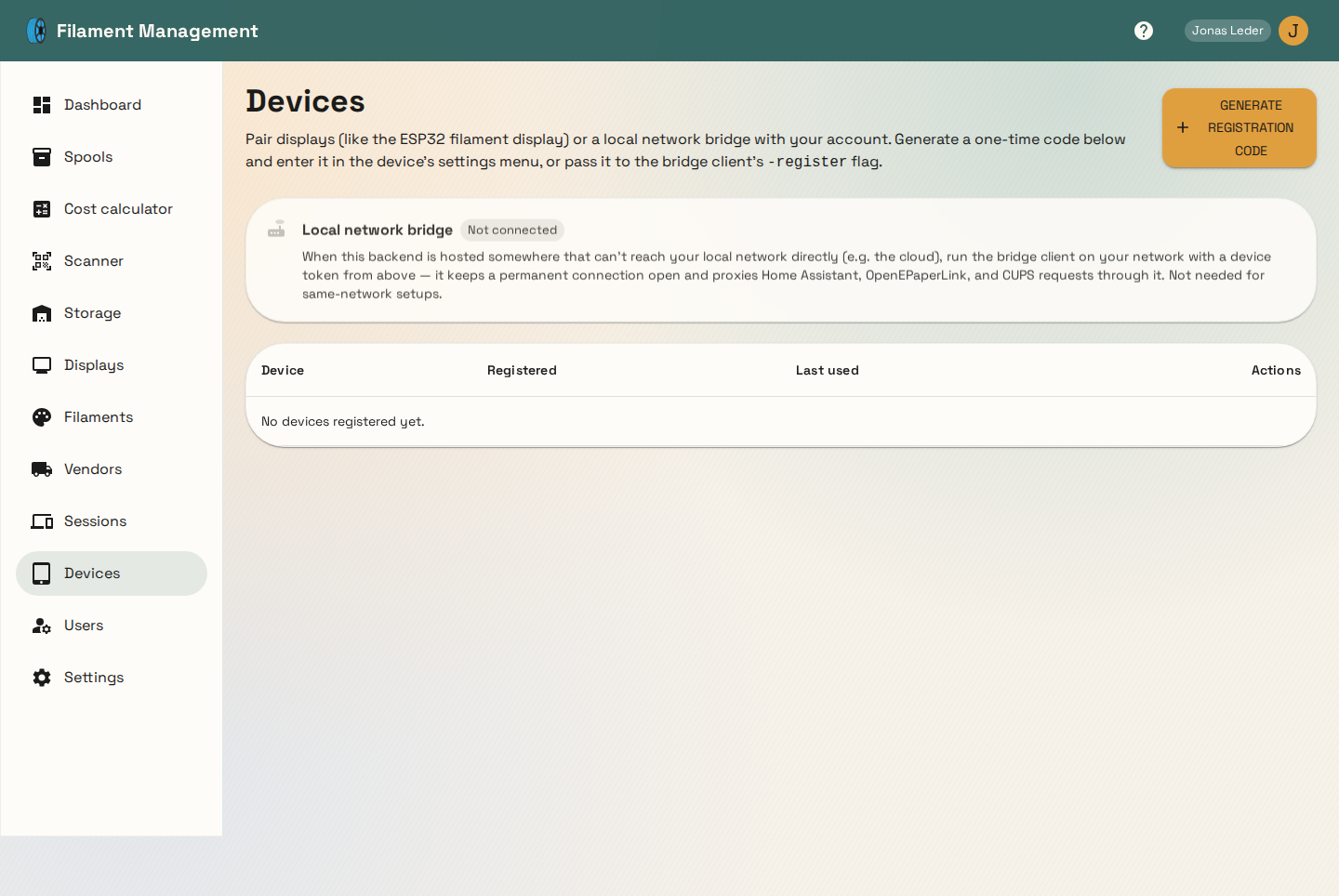
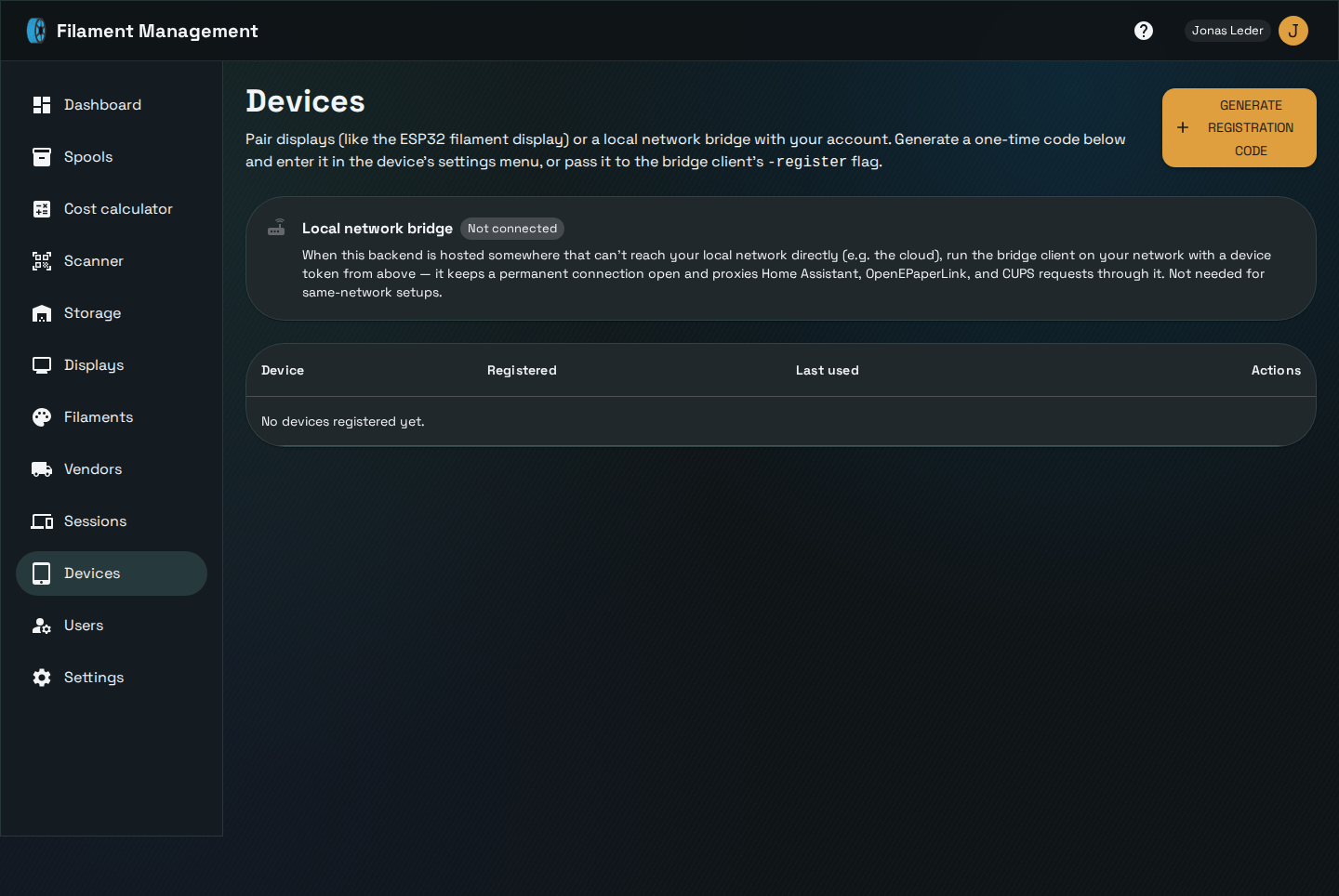
The Devices page manages two kinds of paired hardware: e-ink display controllers (like an ESP32 running the companion display firmware) and the local network bridge.
Pairing a device
Click Generate registration code to get a short-lived, one-time code, then enter it into the
device's own setup flow (its settings menu for a display, or the bridge binary's -register flag).
The device exchanges that code for a permanent device token it uses for every future request — the
code itself expires quickly and can't be reused.
The local network bridge
If the backend is hosted somewhere that can't reach your home network directly — a cloud deployment being the main case — Home Assistant, an OpenEPaperLink access point, and a CUPS printer on that network are all unreachable from the backend on its own. The bridge is a small binary you run on your own network that opens a permanent connection outward to the backend and relays those three integrations through it.
For same-network deployments (backend and your devices on the same LAN) the bridge isn't needed at all — the backend just reaches them directly.
What the bridge can and can't do
The bridge deliberately does not act as a general-purpose HTTP proxy. It exposes exactly four fixed operations to the backend:
- fetch one Home Assistant entity's state
- call Home Assistant's generic toggle service for one entity
- push a rendered image to an OpenEPaperLink access point
- send an IPP print job to a CUPS printer
Nothing else is possible — any other request is rejected by the bridge before it ever reaches your network. This is a deliberate security boundary: since the bridge runs inside your home network, a general-purpose proxy would turn any backend-side bug into a way to reach arbitrary hosts on that network. See the bridge binary reference for running it.
Outdated bridge warning
The bridge reports its protocol version every time it connects. If it's running an older version than the backend expects, the Devices page shows a warning so you know to update it — features added after your bridge was built may not work until you do.