E-ink displays
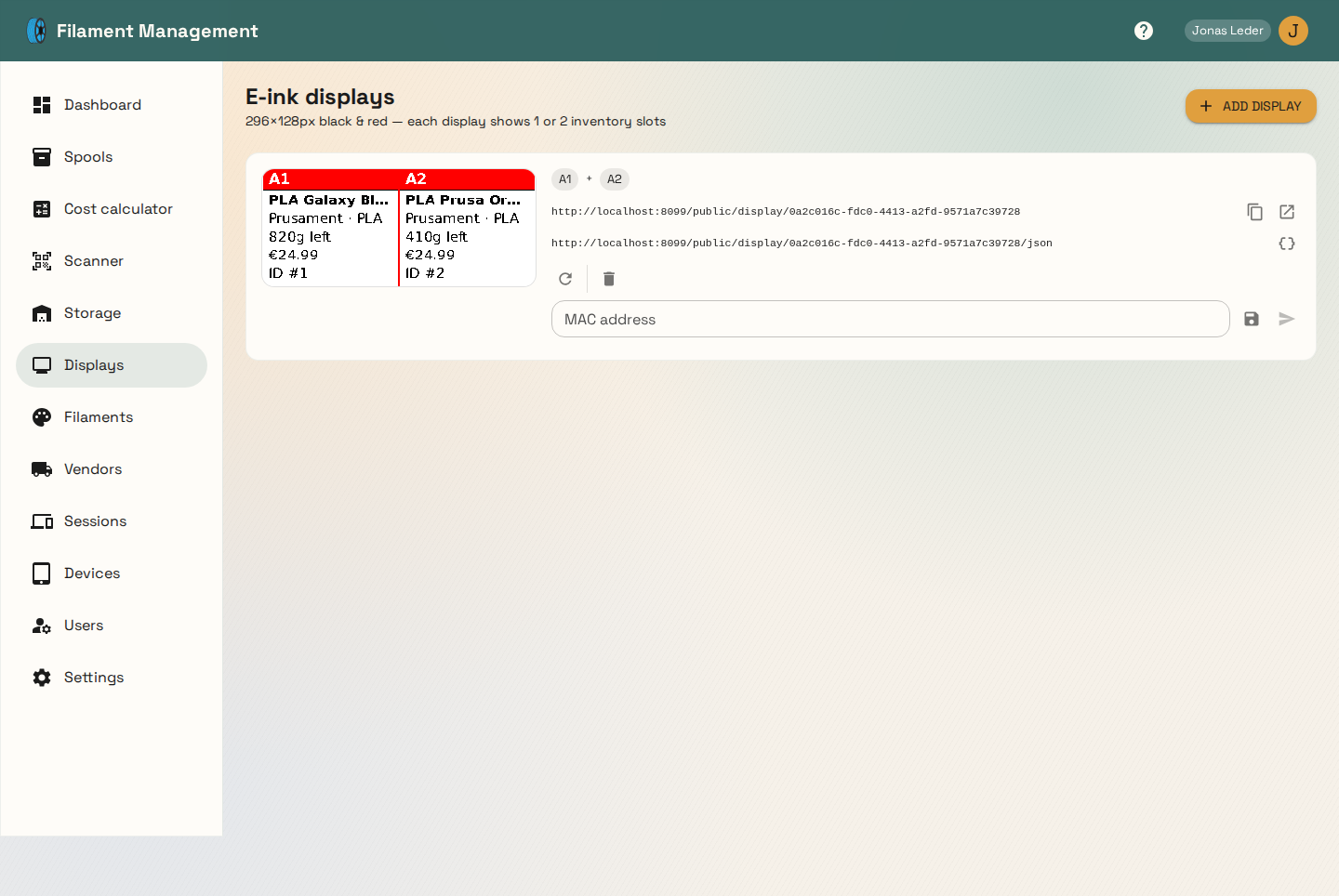
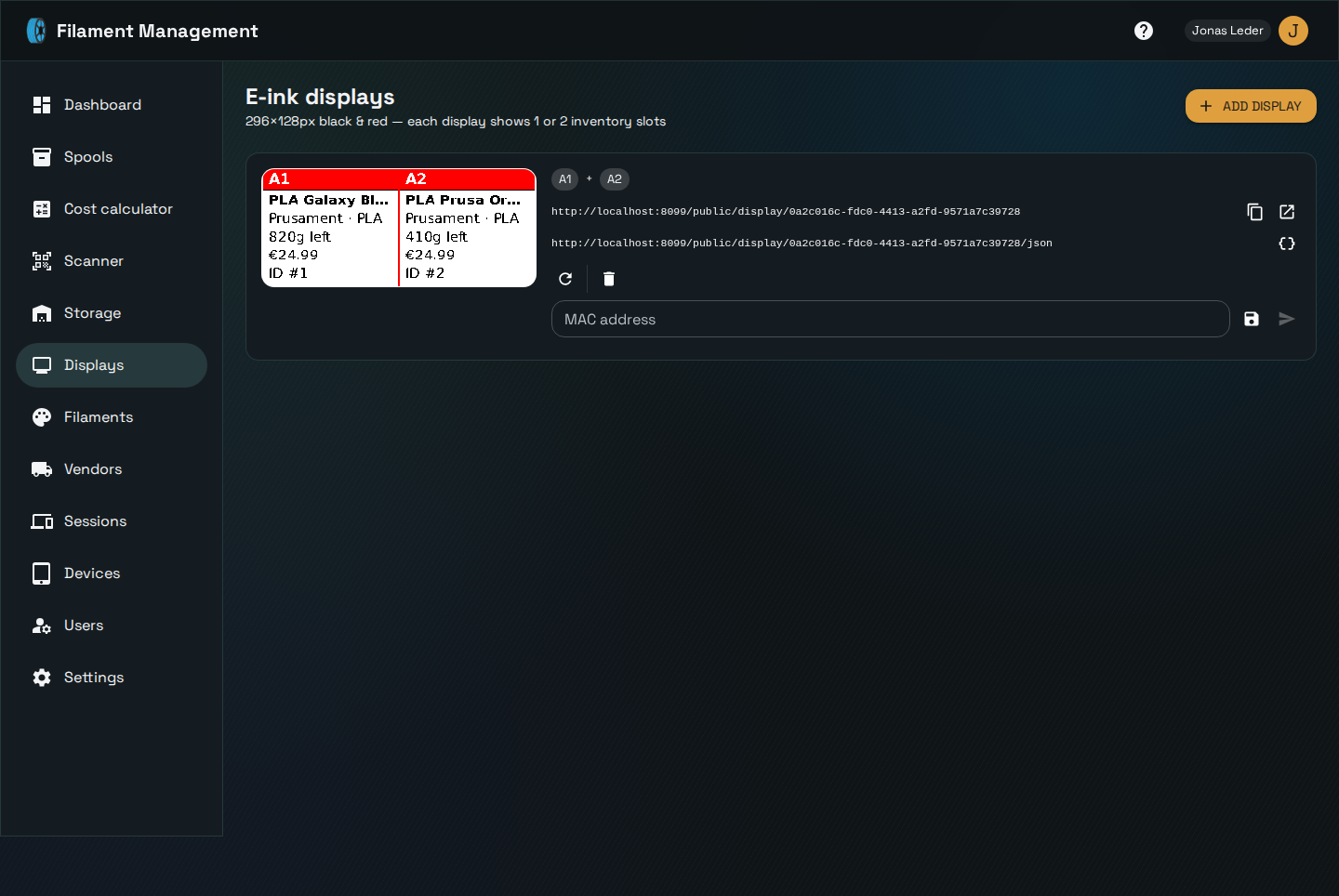
A display renders a live label — filament name, vendor, remaining weight, cost — for a 296×128px black-and-red e-paper panel, meant to sit next to the storage slot or printer it describes. Each display can show one or two storage slots side by side.
How a physical display gets its image
Every display has a stable UID and two public (no authentication required) endpoints:
- an image endpoint, returning the rendered JPEG or PNG directly — point any e-paper controller's HTTP client at this URL and poll it on whatever interval makes sense for your hardware
- a JSON template endpoint, returning the same data as structured JSON, for displays that render their own layout instead of taking a pre-rendered bitmap
Both endpoints are keyed by the display's UID, not its internal ID, and are scoped to the tenant that owns the display — a UID from one workspace never resolves data from another.
Auto-push to OpenEPaperLink
If you use an OpenEPaperLink access point, configure its IP in Settings and Filament Management will proactively push a new image to any display whose underlying spool data changed, rather than waiting for the display to poll. This only pushes when the rendered image actually differs from the last one sent, to avoid needless e-paper refreshes. Auto-push (and manual "push now") both go through the local network bridge when the access point isn't directly reachable from the backend.