Home Assistant integration
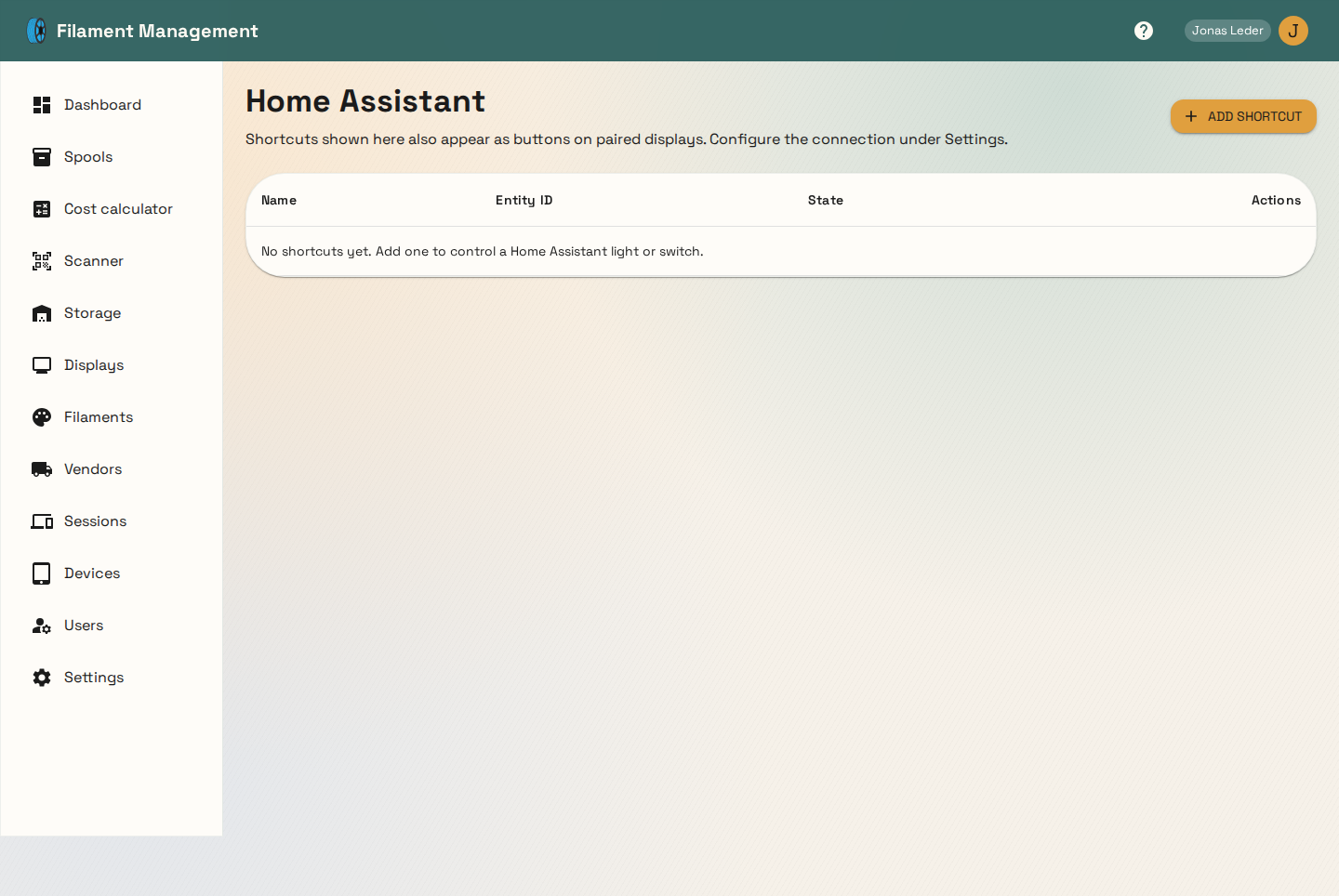
Home Assistant shortcuts let you show and toggle a light or switch entity right from Filament Management — the same shortcuts also appear as buttons on paired e-ink displays.
Configuring the connection
Set your Home Assistant base URL and a long-lived access token (generated from your Home Assistant
user profile) under Settings. Once configured, add a shortcut with a friendly name and the
entity ID it should control (e.g. light.printer_enclosure).
How state is fetched
Each shortcut's current state is fetched individually — the app only ever asks Home Assistant for the specific entities you've added shortcuts for, never a bulk dump of every entity in your instance. This matters most when a local network bridge is in use: only the small amount of data actually needed crosses the tunnel, on every status poll.
Toggling
Clicking a shortcut calls Home Assistant's generic homeassistant.toggle service for that entity,
which works for lights, switches, and most other toggleable domains without needing to know its
exact domain ahead of time.