Spools
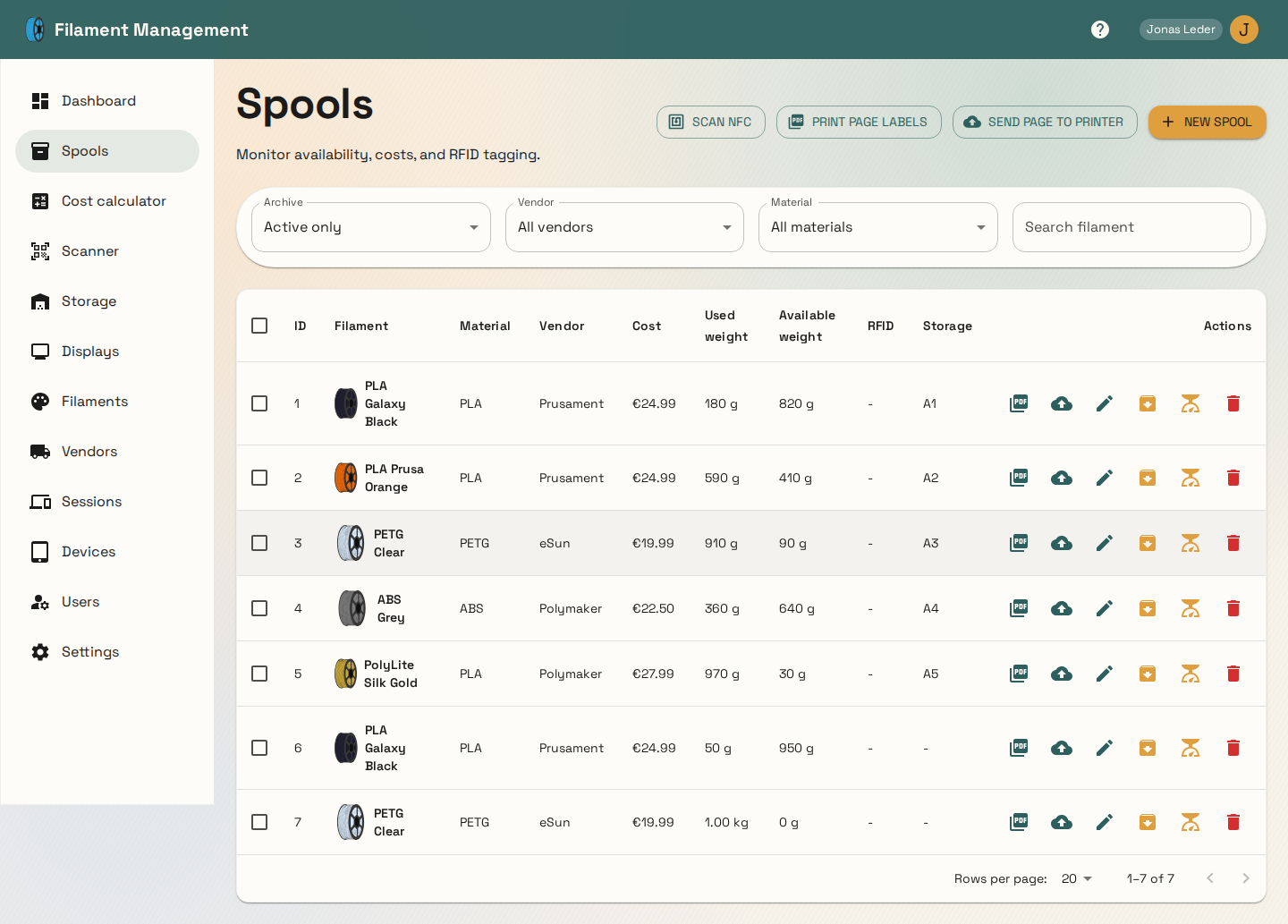
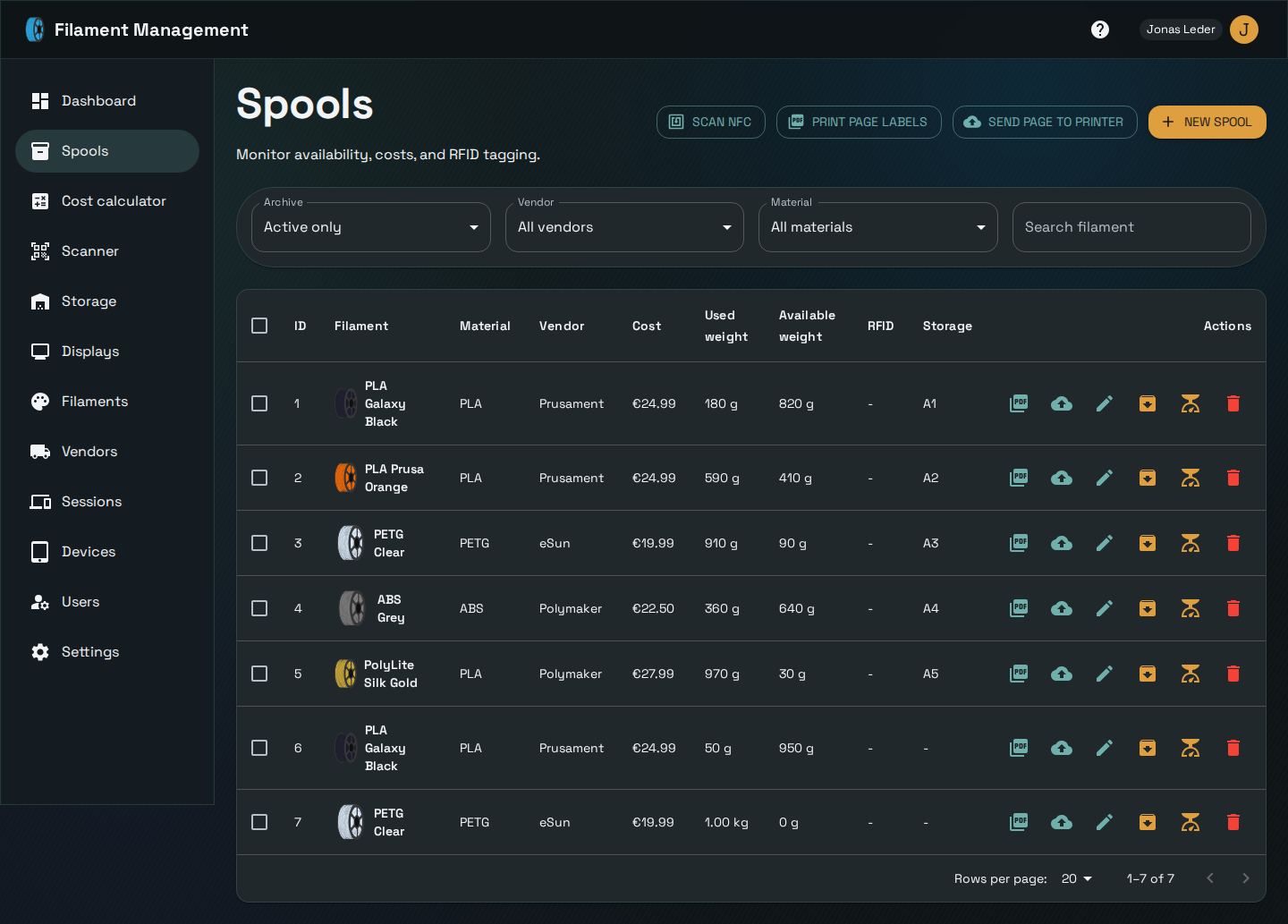
A spool is one physical roll of filament — an instance of a filament you've bought, tracked individually by remaining weight, cost, and (optionally) RFID tag and storage slot.
Weight tracking
Every time a spool's current weight changes, a weight-history entry is recorded, so you can see consumption over time. Weight can be updated directly, or reduced by a specific amount (handy for "I just used 42g on a print" without doing the subtraction yourself).
Storage assignment
A spool can be assigned to a storage slot (see Storage locations). Only one spool can occupy a slot at a time — assigning a second spool to an occupied slot is rejected. Spools with no slot assigned show up as "spools without storage" on the dashboard.
Archiving
Archiving a spool (rather than deleting it) removes it from the default spool list and frees its storage slot, while keeping its record and weight history intact — useful for empty spools you want to keep for cost-history purposes without them cluttering the active list.
Labels and printing
Spools can be printed as labels (via a configured CUPS label printer) or sent as PDF, either one at a time or in bulk for a whole page of spools — see Devices & the local network bridge for how label printing reaches a printer that isn't directly reachable from the backend.
RFID and scanning
Spools can carry an RFID tag identifier, and the Scanner page supports scanning tags (e.g. via a phone's NFC reader) to quickly look up or update a spool without searching for it by name.