Storage locations
Storage locations organize spools physically — a shelf, a rack, a drawer — each broken down into individually addressable slots.
Locations and slots
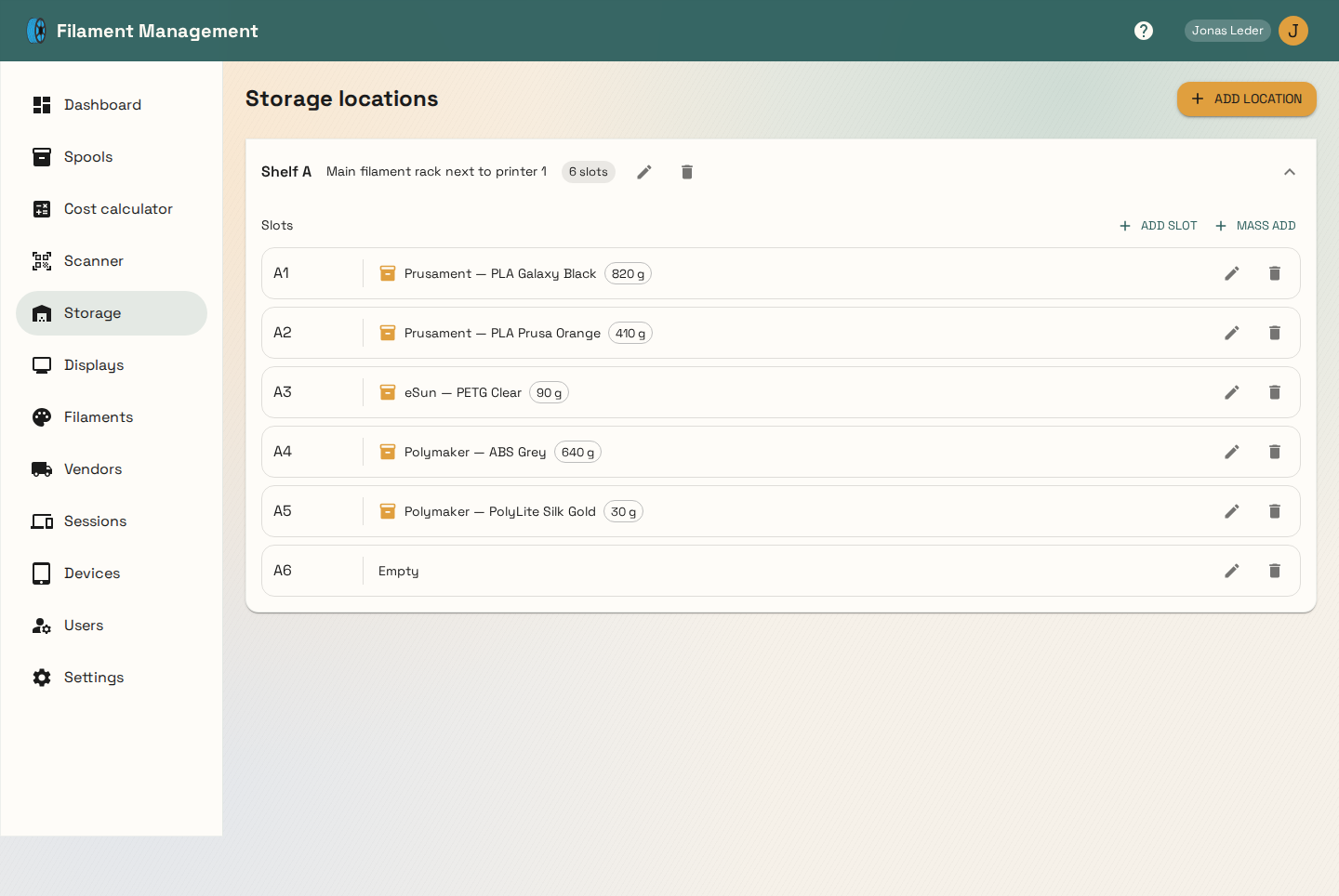
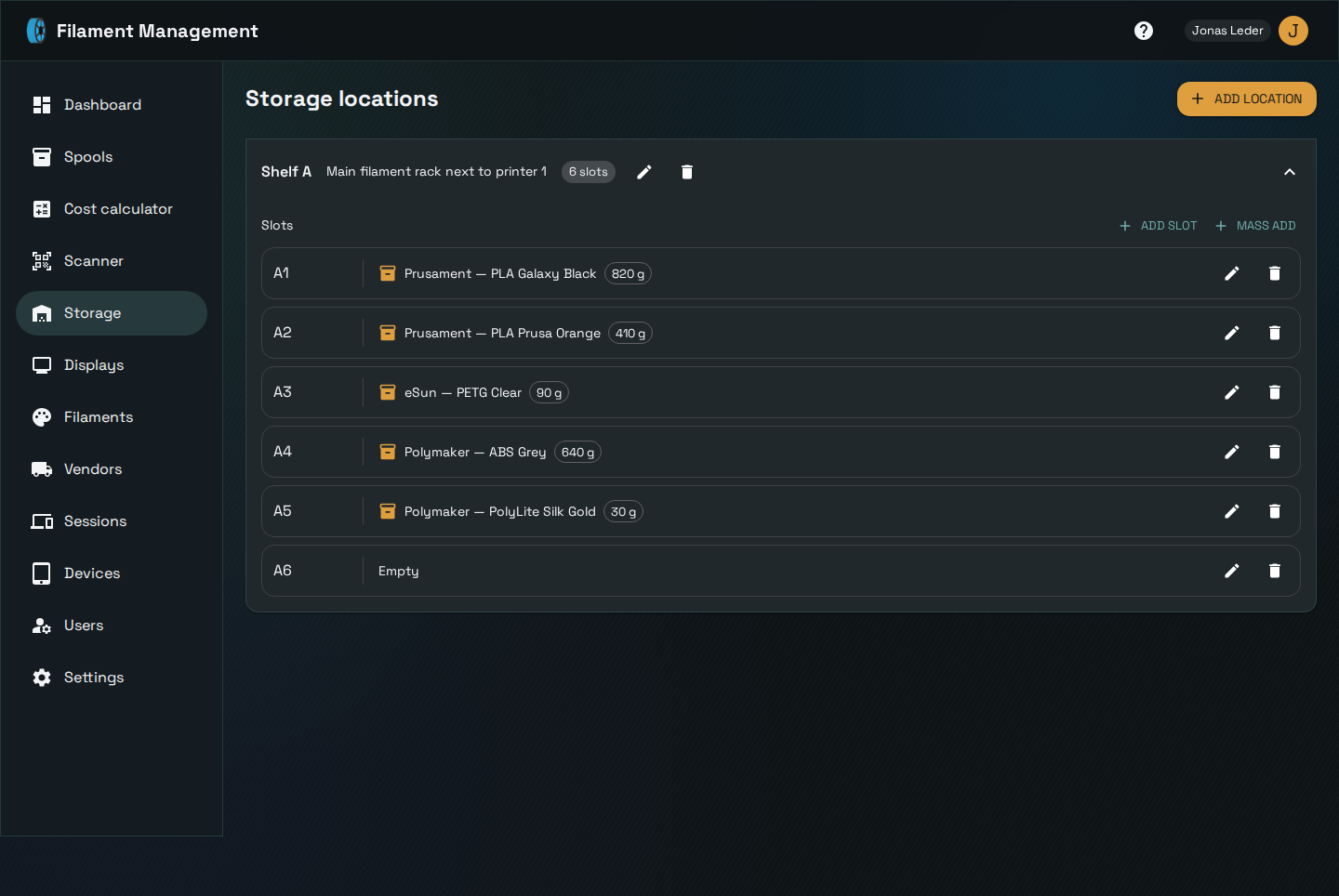
A location has a name and description ("Shelf A", "Main filament rack next to printer 1") and any number of named slots ("A1", "A2", ...). Slots can be added one at a time or in bulk (Mass add, generating a numbered range of slot names at once — handy for setting up a whole rack in one go).
Each slot shows which spool currently occupies it (if any) and its remaining weight, right from the location view.
Deleting
Deleting a slot or a whole location unassigns any spools that were stored there rather than deleting the spools themselves — the spools remain, just without a storage slot, and show up as "spools without storage" until reassigned.