Users & settings
Users
Admins manage their workspace's users from the Users page — create new users, grant or revoke admin access, reset a password, or remove a user entirely.
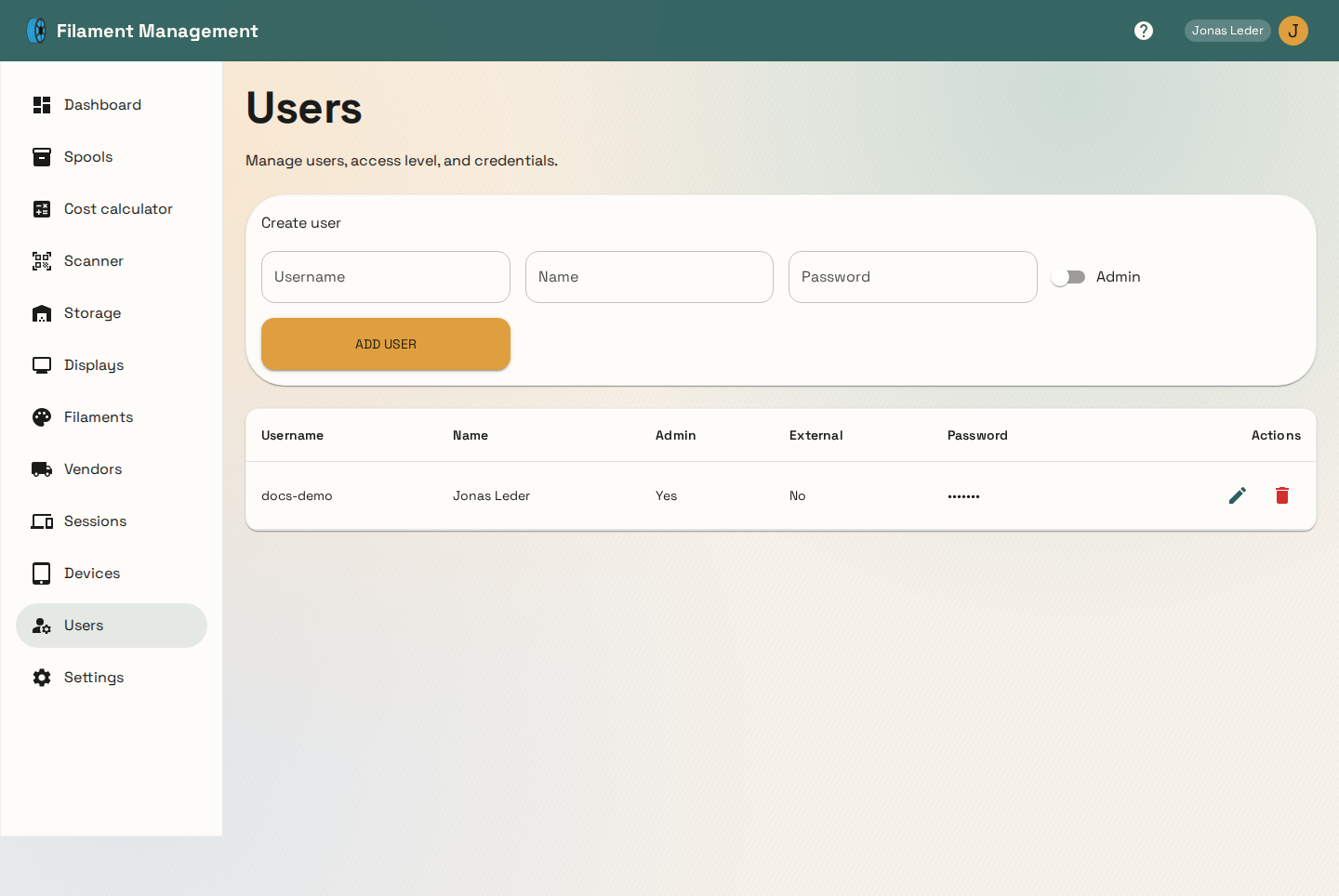
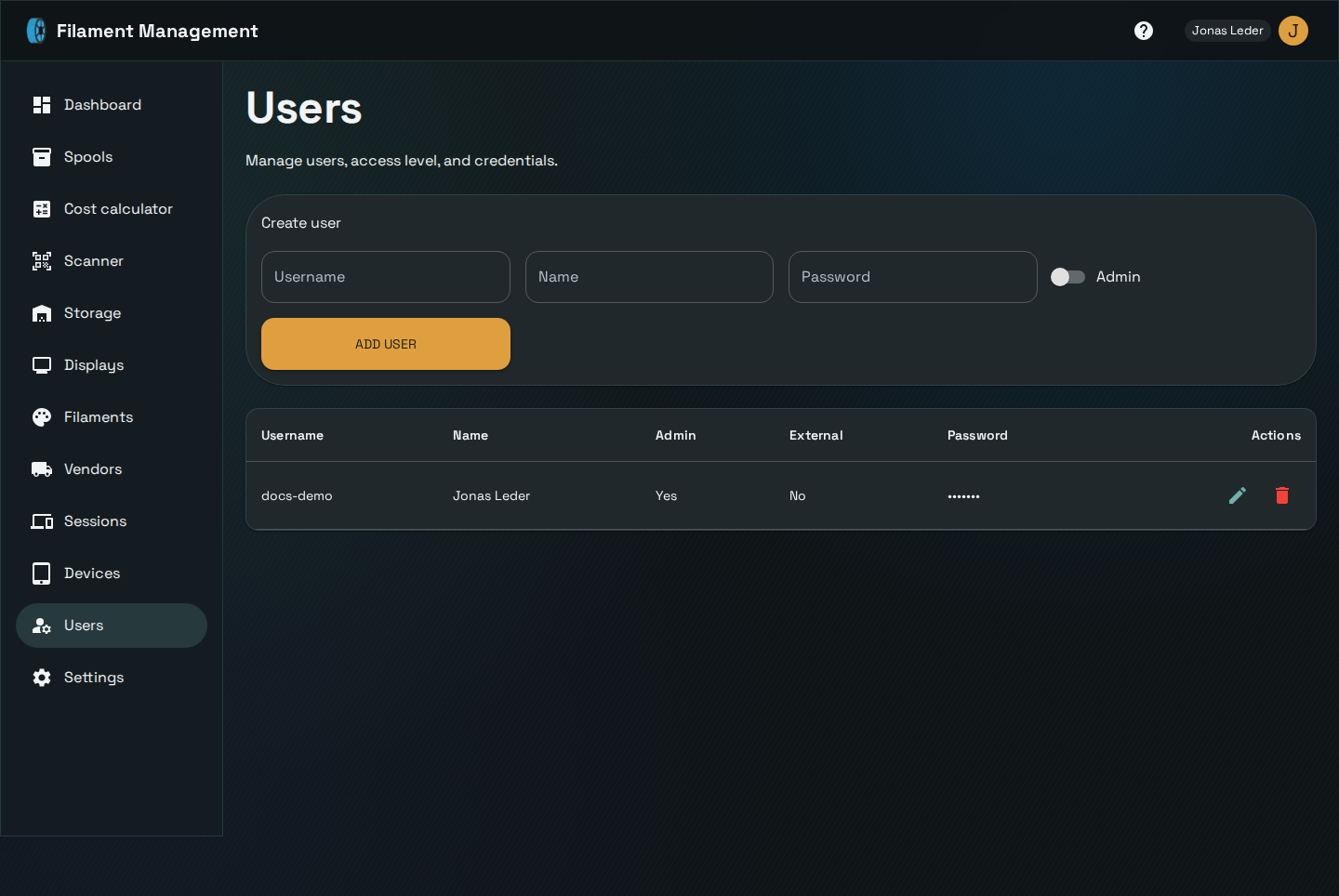
A few rules apply, all enforced server-side:
- Usernames are unique across the entire deployment, not just within a workspace — you can't pick a username someone in a different workspace already has.
- A workspace always needs at least one admin. Removing admin rights from, or deleting, a user is rejected if they're the last remaining admin.
- External (SSO) users can't set a local password — their password field is disabled once an account is marked external.
Settings
Workspace settings are split into a few focused sections:
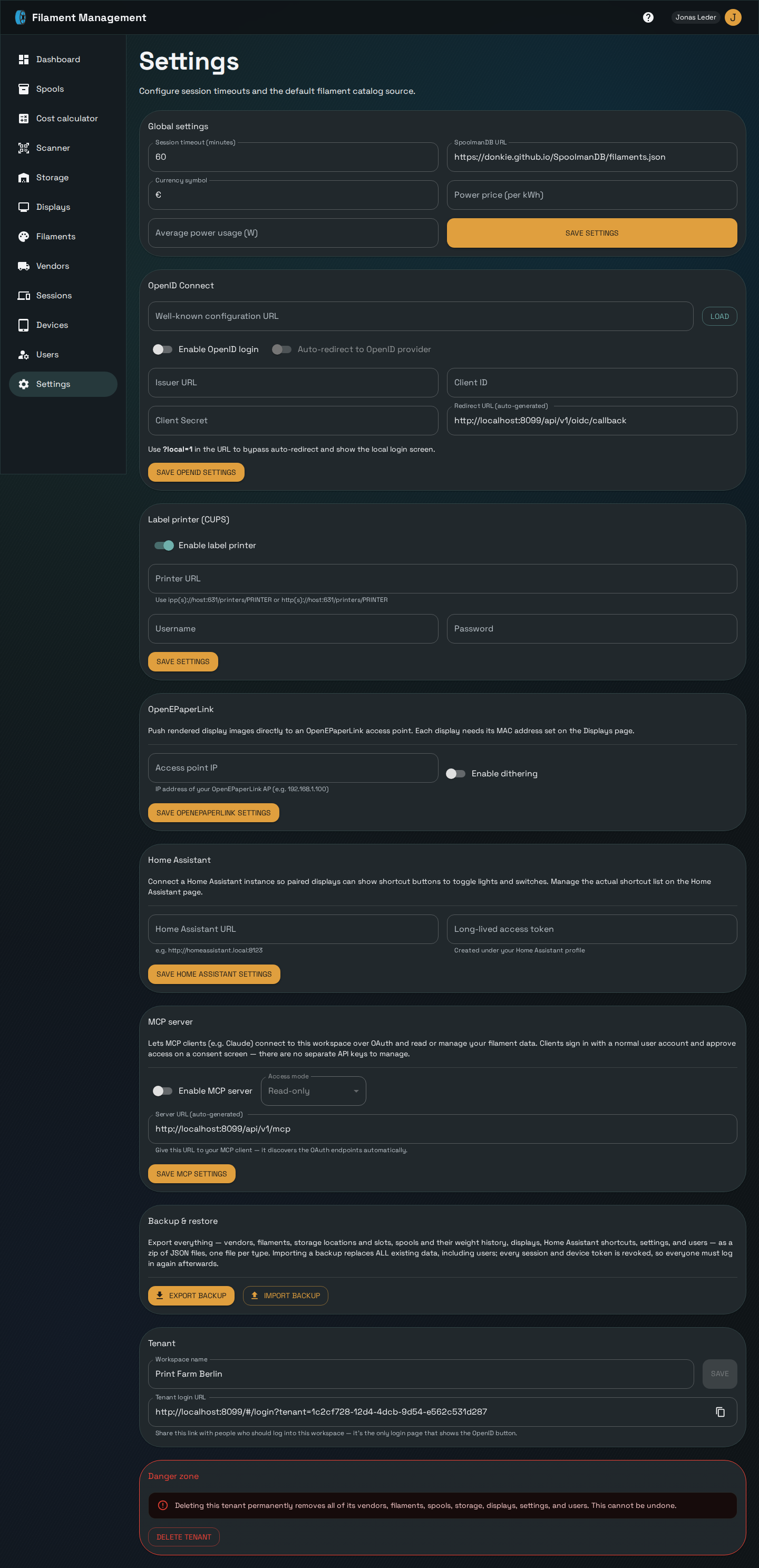
- Global settings — session timeout, the default SpoolmanDB catalog URL, currency symbol, and power price/wattage used by the cost calculator.
- OpenID Connect — configure SSO for this workspace: issuer URL, client ID/secret, and whether to auto-redirect straight to the identity provider. The redirect URL is generated for you to paste into your identity provider's client configuration. This section only ever affects your own workspace's login — see Multi-tenancy for why the general login page never shows an SSO button regardless of this setting.
- Label printer (CUPS) — printer URL and optional credentials for spool label printing.
- OpenEPaperLink — access point IP and dithering, for auto-pushing images to e-ink displays.
- Home Assistant — base URL and access token for Home Assistant shortcuts.
- MCP server — let MCP clients (e.g. Claude) connect to your workspace; see the dedicated page.
- Backup & restore — see the dedicated page.
- Tenant — rename your workspace or delete it; see Multi-tenancy.
Everything except a small set of genuinely global settings (Sentry error reporting, the registration toggle) is scoped to your own workspace — configuring an integration here never affects any other tenant.