Registration
Filament Management is multi-tenant: registering creates a brand new, fully isolated workspace (tenant) with you as its first administrator. Every vendor, filament, spool, storage location, and integration setting you create afterward belongs only to that workspace.
Enabling registration
Self-service registration is off by default — an administrator has to turn it on first, either
via the REGISTRATION_ENABLED environment variable or by an existing global setting. This keeps a
freshly deployed instance from accepting public sign-ups until someone deliberately opts in.
Once enabled, the login page shows a "Create a new workspace" link, and /register becomes
reachable.
Creating a workspace
Fill in:
- Workspace name — a display name for the tenant (shown in Settings and in the confirmation prompt when deleting it later).
- Your name — your display name.
- Username — must be unique across the entire deployment, not just your workspace. Usernames are global even though every other piece of data is tenant-scoped.
- Password.
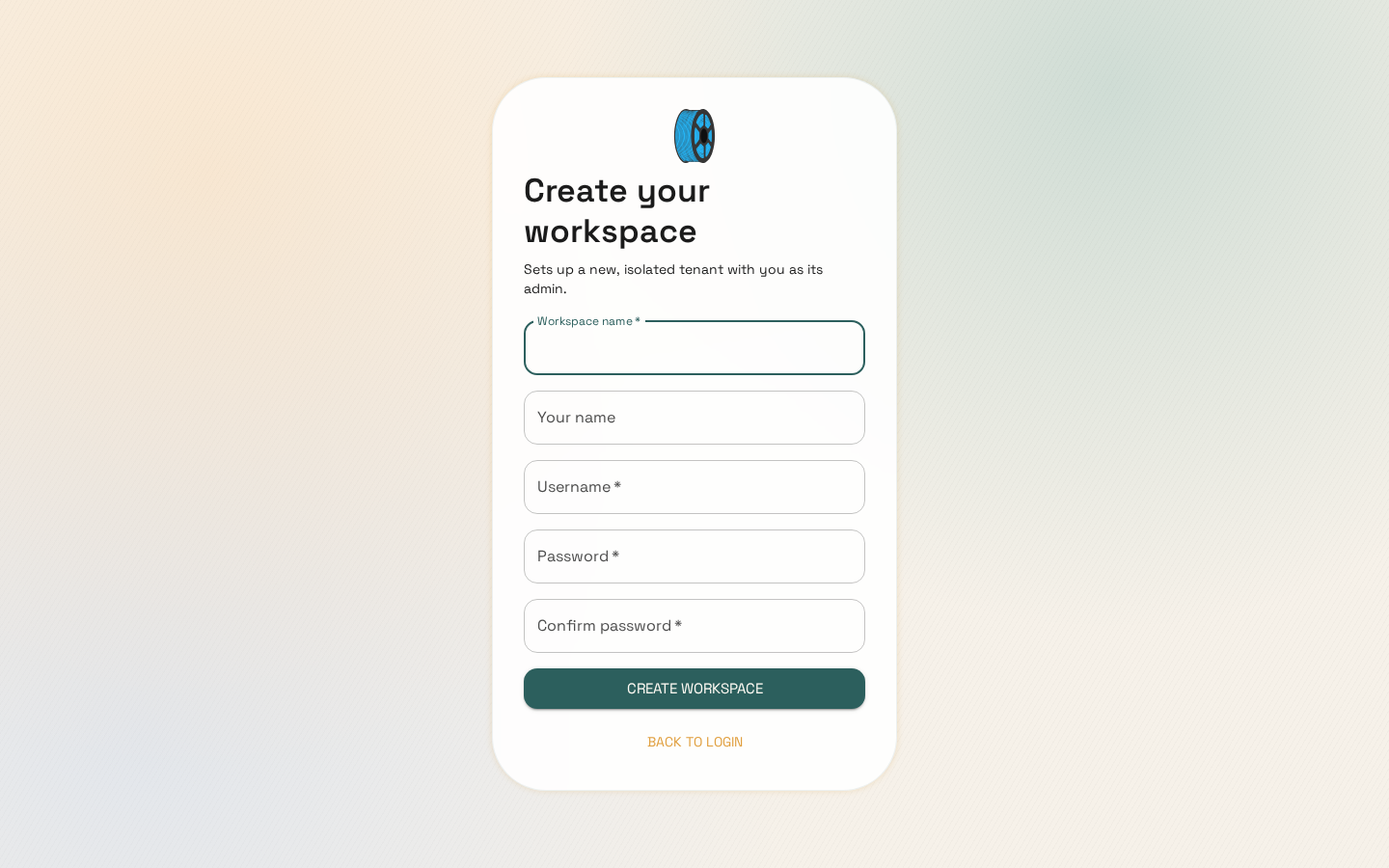
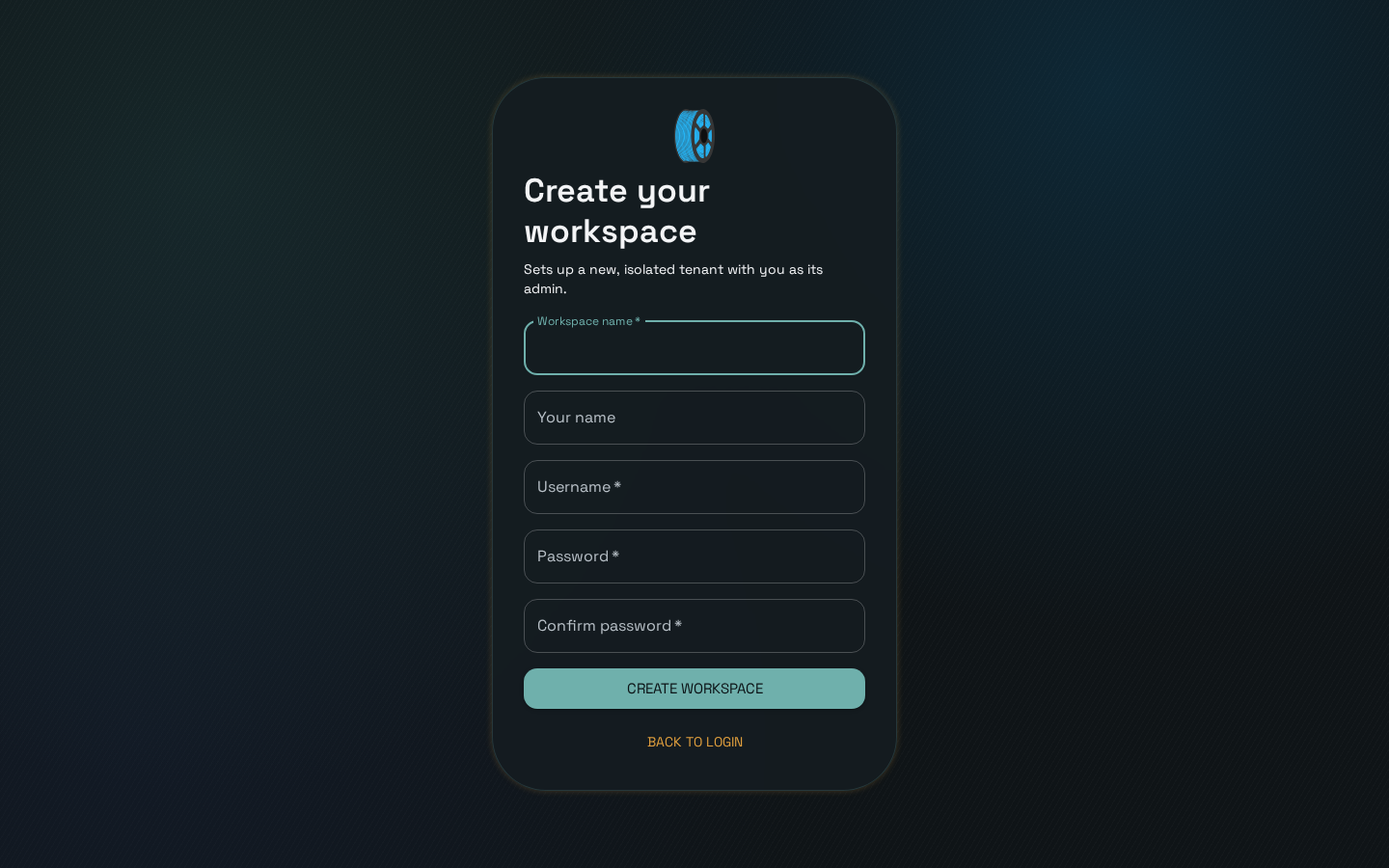
Submitting the form creates the tenant and your user as its admin in a single transaction — if anything fails (most commonly a username that's already taken anywhere in the deployment), nothing is created. The error message is deliberately generic ("Registration failed") rather than confirming or denying that a specific username exists, to avoid leaking which usernames are already registered.
After registering you're redirected to the login page to sign in with your new credentials.
Adding more users to your workspace
Once signed in, workspace admins can invite more users from the Users page — new users created this way join the same tenant automatically; there's no separate registration step for teammates.